WooCommerce to Shopify: what happens to your ERP and warehouse integrations
- Migration
- WooCommerce
- Integrations
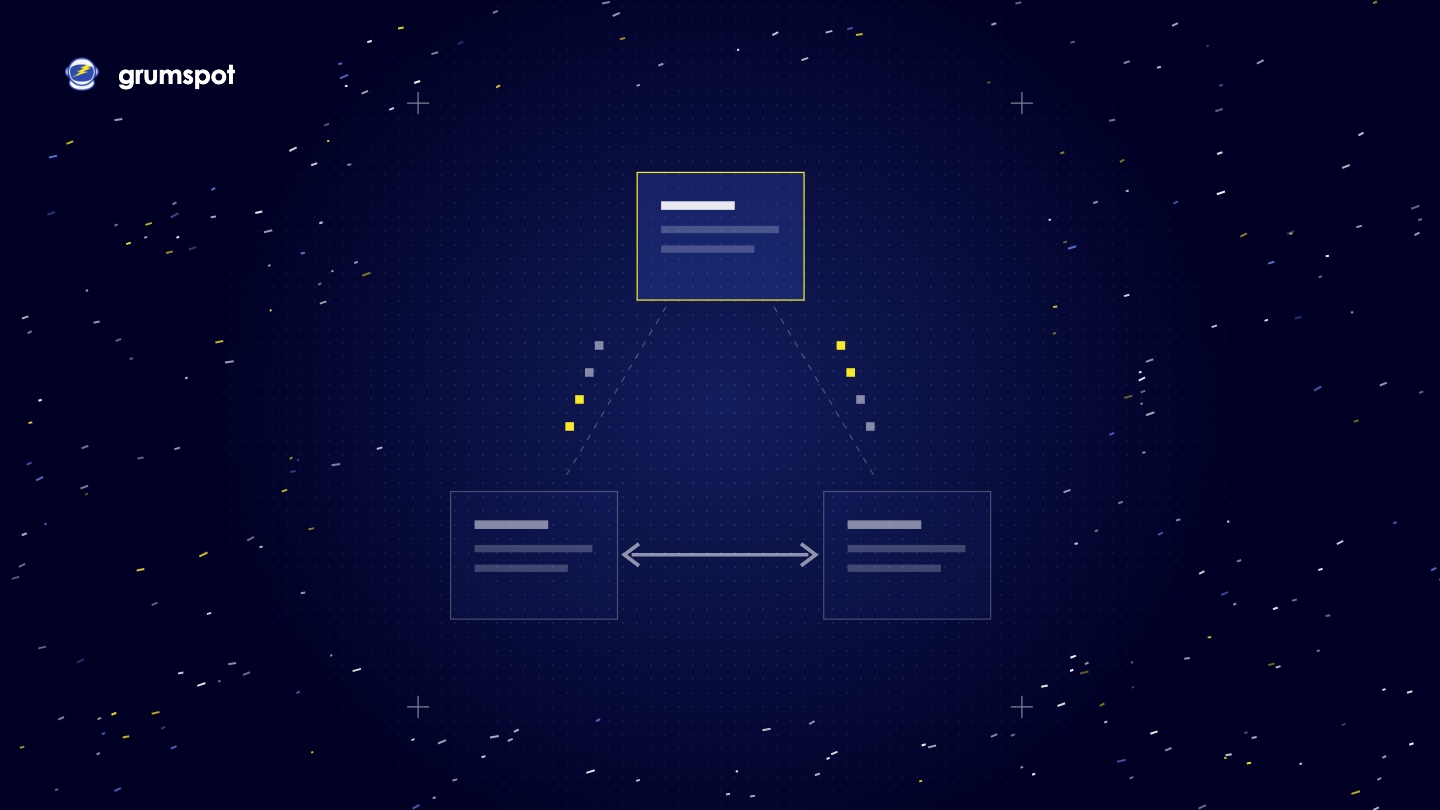
When a store moves from WooCommerce to Shopify, no integration moves with it. Every connection to an ERP, a warehouse, an accounting system or a PIM was built against WooCommerce, so each one is rebuilt against Shopify. There are three ways to do that: an existing Shopify app, a middleware platform, or a custom app on the Shopify Admin API and webhooks. Whichever you pick, test four flows before launch: orders out, stock in, prices and refunds.
We are Grumspot, a Shopify agency in Sofia. Integrations are a fixed part of every WooCommerce to Shopify migration we plan. Each platform fact below links to its source, read on 20 November 2026.
Why don't ERP and warehouse connections copy across?
An integration is tied to the platform it talks to. Three things change on the day you switch.
- The keys. WooCommerce gives each integration a consumer key and secret, created under WooCommerce, Settings, Advanced, REST API and linked to a WordPress user, as its REST API documentation explains. Shopify uses its own access tokens. The old keys open nothing on the new store.
- The API. Shopify integrations talk to the GraphQL Admin API. Shopify has marked its older REST Admin API as legacy since 1 October 2024, so a new integration should not be built on it.
- The data. Order numbers, product IDs and customer IDs are all new on Shopify. Anything in the ERP that stores a WooCommerce ID needs a new match, and SKU is usually the only key both sides share.
Some connections are only a few lines of custom code in the WordPress theme that send a file somewhere each night. Nobody remembers them until they stop. That is why the audit comes first.
How do you list every integration in the audit?
Look in five places on the WooCommerce side:
- The list of REST API keys. Each key is a system that reads or writes store data.
- The webhooks set up in WooCommerce.
- The plugin list. Look for connectors, feed exporters and accounting plugins.
- Custom code and scheduled jobs on the server, including file drops by FTP.
- The people. Ask finance, the warehouse and customer service what arrives in their system without anyone typing it.
Then answer the same questions for each connection:
| Question | Example answer |
|---|---|
| Which system? | The ERP |
| Which data? | Orders, stock, prices |
| Which direction? | Orders out of the store, stock and prices in |
| How often? | Orders at once, stock every 15 minutes |
| How is it connected today? | A plugin, an API key, a nightly file |
| Who notices when it fails? | A named person |
| Replacement route on Shopify | App, middleware or custom app |
What are the three ways to replace an integration on Shopify?
| Route | Fits when | Watch for |
|---|---|---|
| An existing app or connector | Your ERP vendor publishes one and your process is standard | What it does not sync. Read the listing line by line |
| A middleware platform | Several systems need the same data, or the rules change often | A monthly fee and a second tool to learn |
| A custom app | No connector covers your system or your rules | Someone has to own and maintain it |
Route 1: an existing Shopify app or connector
Start in the App Store. Shopify keeps a Global ERP Program collection that listed five apps on 20 November 2026: Dynamics 365 Business Central by Microsoft, the NetSuite ERP Connector by Oracle NetSuite, Brightpearl by Sage, Acumatica Cloud ERP and the Infor eCommerce Connector.
Read what each listing leaves out. The Business Central listing names orders, fulfilment, stock levels, products and customers. It does not mention refunds. The NetSuite connector was listed from $199.92 a month on the same date.
Some vendors ship the connector on their side. Odoo documents its own Shopify Connector. It runs on a schedule and pulls orders every 10 minutes by default. Odoo states plainly that it is not real time. That is fine for accounting. It may not be fine for stock on a fast-selling product.
Route 2: a middleware platform
Middleware sits between Shopify and your other systems and passes data along by rules you set. Celigo offers Shopify templates for NetSuite, SAP Business One, Microsoft Dynamics 365 Business Central, Acumatica and QuickBooks. Patchworks is listed in the Shopify App Store as a platform that links Shopify with ERP, 3PL and CRM systems. Its listing is free to install, with charges agreed with Patchworks.
Route 3: a custom app on the Admin API and webhooks
A custom app reads and writes store data through the Admin API and listens for events through webhooks. A webhook tells your system that an order was created, so it does not have to keep asking. Shopify's documentation is frank about the limits:
- Shopify does not guarantee the order in which webhooks arrive.
- The same event can be delivered twice, so the app must ignore duplicates.
- Delivery is not always guaranteed. Shopify recommends a reconciliation job that fetches data on a schedule and fills any gap.
- The Admin API is rate limited, so a large stock update has to be paced.
This is the route we build ourselves. Our custom app work covers ERP, 3PL and CRM integrations, on a schedule or on webhooks, with retries and a log you can read.
What should you test before the switch?
| Flow | Test | Passes when |
|---|---|---|
| Orders out | Place orders with a discount, with two tax rates, with cash on delivery and as a guest | Each one lands in the ERP once, with matching totals and SKUs |
| Stock in | Change stock in the ERP, then sell the last unit in the store | The store shows the new figure and does not oversell |
| Prices | Change a price and a sale price in the source system | The store shows both, in every currency you sell in |
| Refunds | Refund one item from an order of three, then cancel a whole order | Accounting shows the credit and stock returns only where it should |
Refunds are the flow most easily left to the end. Test the partial refund first.
How do you run old and new in parallel?
WooCommerce keeps trading while the Shopify store is built and tested on a staging store. The same goes for the integrations.
- Keep the old connection live. The WooCommerce integration runs untouched until the switch.
- Point the new one at a test target. Send staging orders into a sandbox or a test company in the ERP. Never into the live ledger.
- Compare the two. Replay a day of real WooCommerce orders as test orders on Shopify and compare what the ERP received from each.
- One writer for stock. Only one store may write stock at a time. Decide the minute it changes over.
- Switch, then watch. On launch day the new connection goes live and the old keys are revoked. Check the first real orders by hand.
Has Grumspot connected an ERP to Shopify?
Yes, on two published projects. FluxStore, which moved to Shopify from an old WooCommerce store, sends orders from Shopify into Odoo for accounting and into BigArena for warehouse and fulfilment, with stock coming back the other way. The team processes an order once, in Shopify. Spoon manages stock from its ERP through a Zedonk connector.
Questions merchants ask
Will our ERP work with Shopify?
An ERP that can send and receive data, by API or by file, can be connected. The question is which route. Check the Shopify App Store and your ERP vendor's site for a connector first, then look at middleware, then a custom app.
Can we keep our WooCommerce integration plugin?
No. A WooCommerce plugin runs inside WordPress and cannot be installed on Shopify. Some vendors publish a separate Shopify connector for the same system.
When is a custom app the right choice?
When no connector supports your system, or when your rules are specific to how you sell. If an existing app covers the job, use the app.
Does an integration change the price of a migration?
Yes. Our WooCommerce to Shopify migrations start from €12,000 and typically take 4 to 6 weeks. Each integration is listed in the written plan, so the fixed price you get already includes it.
Have an ERP or a warehouse system behind your WooCommerce store? See how our WooCommerce to Shopify migration works, or write to business@grumspot.com with the list of systems your store talks to.
Want this kind of work on your store?
Send us the URL and what is slowing it down. We look at the store before we reply.
Related posts
Check out some similar posts.

- App development
Grumspot, Sunrise Integration, Folio3, Webkul and Shero Commerce, compared by the systems each conne...
Read more
- Migration
How Ferma Gorata moved from WooCommerce to Shopify: what had to survive the move, what we built, the...
Read more
- Migration
What replaces WPML and Polylang on Shopify, how translations are exported and imported, how translat...
Read more
- Migration
How the URL structures differ, how to build the URL map, what Shopify's redirect import cannot do, a...
Read more