How to move from WooCommerce to Shopify with no downtime
- Migration
- WooCommerce
- Launch
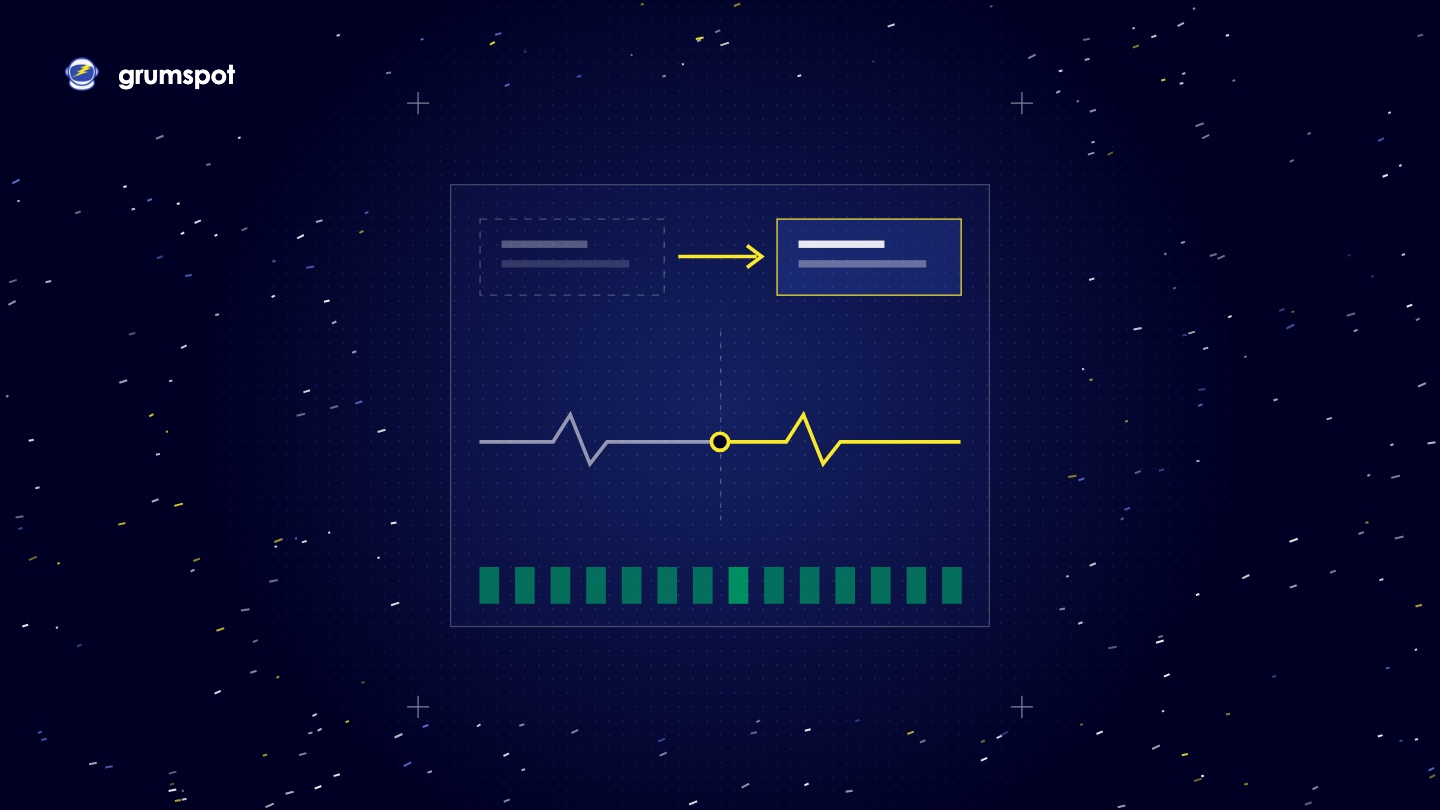
You can move from WooCommerce to Shopify without the shop going dark. Build the Shopify store in private while WooCommerce keeps selling. Freeze changes, import the last orders and customers, then point the domain at Shopify. Visitors always reach a working store. The honest limit: plan a short checkout pause on the old store at the switch, so no order lands on the wrong side.
We are Grumspot, a Shopify agency in Sofia, Bulgaria, and this is how we run the switch on our own WooCommerce to Shopify migrations. Every Shopify fact below links to Shopify's help centre, read on 20 November 2026.
What does "zero downtime" really mean?
It means a shopper never sees an error page or a "back soon" sign. It does not mean nothing changes for an hour.
When you change DNS, the internet does not switch at once. Shopify says a connected domain usually works within two hours but can take up to two days. In that window some visitors still reach WooCommerce and others reach Shopify. Both stores must be up. Only one should take orders.
How do you build the Shopify store in parallel?
The whole Shopify store is built and tested before launch day, while WooCommerce trades as normal.
- Keep it private. A new Shopify store starts in private mode, hidden from visitors and search engines.
- Import the bulk early. Products, customers, orders, reviews and content go in weeks ahead and are checked against the WooCommerce exports.
- Finish everything else. Theme, apps, payments, shipping, taxes, emails and the redirect map are all done and tested.
- Leave WooCommerce online. Shopify downloads product images from their old URLs during import.
On the JustAsia migration, the rules for which delivery option shows with which payment method were built and tested before the domain switched.
What is the content and order freeze?
A freeze is a set time after which nobody changes the old store. It comes in two parts.
- Content freeze, a few days before. No new products, price changes, pages or posts on WooCommerce. Anything urgent is made in both stores.
- Order freeze, at the switch. WooCommerce stops taking orders. The catalogue stays visible, and the checkout is closed with a short notice.
The order freeze is the checkout pause. It lasts as long as the final import and your checks take, so pick your quietest hour. Your own order reports show when that is.
What is the final delta import?
The delta is everything that changed on WooCommerce since the bulk import: new orders, new customers, edited accounts, stock levels. It is imported right after the order freeze.
- Switch off staff new-order notifications in Shopify first. Shopify notes that staff otherwise get an email for each imported order.
- Import new customers, then new orders. Orders need their customers and products in place.
- Update stock to match WooCommerce at the freeze.
- Compare the last order number and the record counts in both systems.
Why lower the DNS TTL before the switch?
TTL, time to live, tells internet providers how long to remember where your domain points. If it is set to a day, some visitors keep reaching the old server for up to a day after you change it.
Lower the TTL on the domain's records at your DNS provider a day or two before launch. A common choice is 300 seconds. The old, long value has to expire first, which is why you do it ahead. A low TTL shortens the window when visitors are split between two stores.
In what order do the cutover steps happen?
| Step | What happens | Why in this order |
|---|---|---|
| 1 | Close the WooCommerce checkout | No order can land on the old store after this |
| 2 | Run the delta import and compare counts | Shopify now holds every order and customer |
| 3 | Add the domain in Shopify and make the store public | Shopify is ready before any visitor arrives |
| 4 | Change the DNS records to the values Shopify gives | Visitors start to move across |
| 5 | Wait for the SSL certificate, then set the primary domain | The address bar shows a secure site |
| 6 | Place a real order, check redirects, submit the sitemap | Proof that it works before you announce it |
| 7 | Send the launch email | Customers arrive at a store that is ready |
Leave your email records, the MX records, alone when you edit DNS. Only the records Shopify names need to change.
How long does the SSL certificate take on Shopify?
Shopify issues the certificate itself, for free, once the DNS records point to it. Its help centre says this can take up to 48 hours, and the domain settings show "TLS or SSL pending" until it is done. You cannot upload your own certificate.
This is the other honest gap. Until the certificate is issued, some visitors may see a security warning. Three things keep that risk low:
- Disconnect the domain from the old platform's setup first, as Shopify's WooCommerce guide advises, to avoid certificate errors.
- Do not run the domain through a third-party proxy. Shopify lists proxies as unsupported.
- If you use CAA records, add the certificate authorities Shopify names on the same page.
What happens to customer accounts and passwords?
Accounts, addresses and order history move. Passwords do not. Shopify's guide says they cannot be migrated.
What customers do next depends on the account type. With Shopify's current customer accounts, they sign in with their email and a one-time code, so no password is needed. With legacy accounts, which Shopify now marks as deprecated, each customer gets an invite to set a new password, and that invite is valid for 30 days.
Either way, tell customers in your launch email. Sent with the launch news, the sign-in step reads as part of a new store, not as a problem.
What is the rollback plan?
A rollback plan is what you do if something serious breaks after the switch. Write it before launch day.
- Keep the WooCommerce server, database and SSL certificate running and untouched.
- Write down the old DNS values, so pointing back takes minutes.
- Agree what triggers a rollback, such as checkout failing for all customers, and who makes the call.
- Know the cost: orders placed on Shopify before a rollback must be entered into WooCommerce by hand.
What should you monitor in the first 48 hours?
- Orders. Compare the hourly count with a normal day. A sudden drop is the first sign of trouble.
- Payments. Check each payment method has taken at least one real order.
- SSL and domain status. Both should show as connected in Shopify's domain settings.
- 404s. Watch Search Console and add a redirect for any missed URL.
- The old store. Check its logs for visitors still arriving, and that its checkout stays closed.
- Integrations. Confirm orders reach the warehouse, the ERP and the accounting tool.
- The support inbox. Sign-in questions arrive here first.
When we moved Ferma Gorata, rankings were watched through the cutover and the weeks after, and organic traffic did not dip. So Called Crew took its first orders the day the new store opened.
Questions merchants ask
How long is the checkout pause?
As long as the delta import and the checks take. That depends on how many orders came in since the bulk import, so we set the length in the plan for each store, not as one promise for all.
Will customers see a security warning?
Some may, if they arrive before Shopify has issued the certificate. Shopify allows up to 48 hours for that. Removing the domain from the old setup first and avoiding proxies keeps the risk low.
Do we lose orders placed during the switch?
Not if the old checkout is closed before the final import. That is the reason for the pause.
Sources
All pages read on 20 November 2026.
- Shopify Help Centre, domains: connecting a domain, manual DNS records, considerations, TLS certificates
- Shopify Help Centre, accounts and migration: customer accounts, legacy account invites, migrating from WooCommerce, private mode
Planning a switch you cannot afford to get wrong? Our WooCommerce to Shopify migration service starts from €12,000, at a fixed price, with a launch day you choose. Send us your store URL and we will come back with a written plan.
Want this kind of work on your store?
Send us the URL and what is slowing it down. We look at the store before we reply.
Related posts
Check out some similar posts.

- Migration
How Ferma Gorata moved from WooCommerce to Shopify: what had to survive the move, what we built, the...
Read more
- Migration
What replaces WPML and Polylang on Shopify, how translations are exported and imported, how translat...
Read more
- Migration
Why integrations do not copy across, how to list them in the audit, three replacement routes on Shop...
Read more
- Migration
How the URL structures differ, how to build the URL map, what Shopify's redirect import cannot do, a...
Read more