7 Website Accessibility Examples for Ecommerce in 2026
- website accessibility examples
- ecommerce accessibility
- WCAG 2.2 AA
- accessible ecommerce
- keyboard navigation
Launched
October, 2026
A published accessibility statement is a starting point, not a finish line. The popular advice to copy a highly ranked website misses the harder question: can your customers choose a product, correct an address and complete payment without encountering a barrier?
The distinction matters. In its public-sector monitoring programme, the Government Digital Service found accessibility issues in nearly all tested websites and apps, even though 85% had published an accessibility statement, according to its accessibility monitoring findings. Publishing a page about accessibility and delivering an accessible experience are different jobs.
These seven website accessibility examples are useful as evidence to inspect, not trophies to admire. UK retailers and public services provide different reference points for shopping journeys, navigation, testing disclosures and feedback routes. Their published claims deserve scrutiny, particularly where the evidence is a statement or project description rather than an independent assessment.
For a Shopify team, the useful output isn't a copied homepage. It's a reusable implementation pattern, a realistic test and a clear decision about what needs fixing. The snippets below are illustrative starting points for your own storefront, not extracts from the featured websites or complete accessibility solutions.
1. RNIB
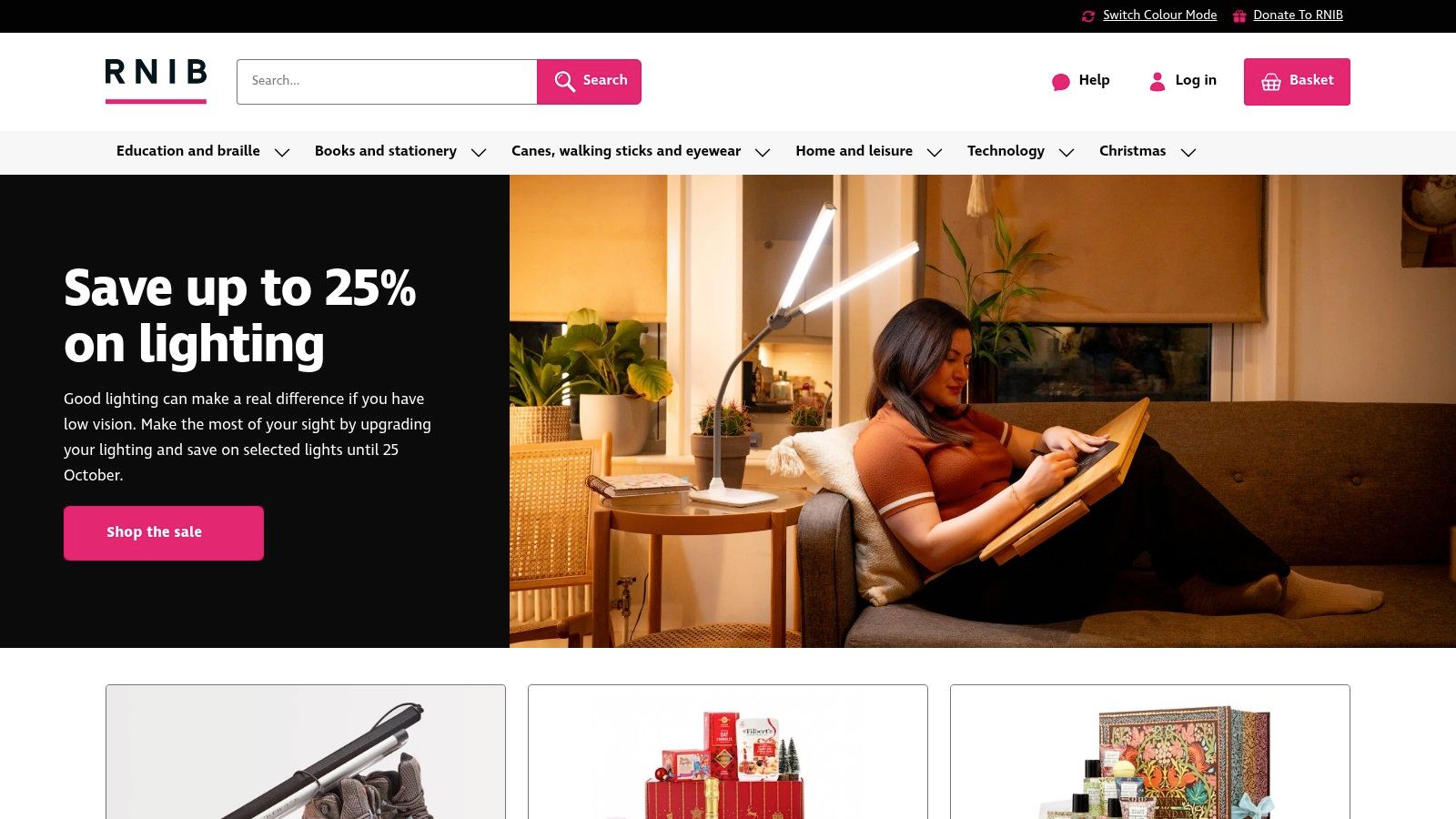
Start with a purchase that isn't straightforward. At the RNIB online shop, the relevant merchant question isn't whether someone can read a product description. It's whether accessibility considerations extend through product selection, specialist purchasing requirements and checkout.
RNIB is therefore a useful reference for reviewing customer needs alongside commercial functionality. However, a project case study describing accessibility-related implementation isn't equivalent to a current, independent audit. Don't turn an agency's delivery claim into a blanket endorsement of every interaction.
Replicable pattern for contrast controls
A contrast preference should have an understandable name and an exposed state. A starting point is <button type="button" aria-pressed="false">High contrast</button>, with implementation code updating both the visual theme and aria-pressed when the customer activates it.
That button alone doesn't make a storefront accessible. Test the default palette as carefully as the alternative, and inspect product options, cart drawers, validation messages and embedded apps in both modes.
- What transfers well: Treating accessibility as part of the purchase requirements, rather than a cosmetic layer added after development.
- What needs caution: Specialist tax or donation interactions may introduce requirements that aren't relevant to your catalogue. Borrow the testing approach, not unnecessary complexity.
Run this test: Use only the keyboard to select a product, change an option, activate the contrast control and continue towards payment. Then repeat with a screen reader, checking whether control names, selected states and price changes remain understandable.
Use Grumspot's screen-reader compatibility guidance to structure those checks. Record the browser, assistive technology and exact interaction that failed, rather than reporting that the page “felt inaccessible”.
2. John Lewis
A large catalogue makes a demanding test environment. The John Lewis website is a relevant comparison for merchants whose customers move through categories, filters, product options and checkout before making a decision.
Treat any favourable comparative ranking as a reason to investigate, not permission to stop testing. A score won't tell your team whether a particular filter combination, unavailable variant or payment recovery route works for your customers.
The replicable pattern is an understandable product-selection control. Before building a bespoke swatch widget, consider whether native form elements can express the same choice more predictably.
For example: <label for="size">Size</label><select id="size" name="size"><option value="">Choose a size</option><option value="regular">Regular</option></select>. This is a proposed storefront pattern, not a claim about John Lewis's implementation.
A customer hasn't successfully selected a product until they can identify the option, understand its availability and confirm what will enter the basket.
Compare the whole discovery route
Begin on a collection page. Apply a filter, open a product, choose an available option, add it to the basket and return to the listing.
During that sequence, inspect:
- Context: Can the customer identify active filters and clear them without starting again?
- State changes: Does changing a variant communicate availability and price without relying on colour?
- Continuity: Does returning from a product preserve a usable route through the catalogue?
The trade-off is straightforward. A large retailer provides a demanding benchmark, but its interface may carry complexity your store doesn't need. Copy the clarity of the interaction, not the volume of controls.
For Shopify teams, test collection templates and product templates together. An accessible selector doesn't compensate for a filter drawer that customers can't leave.
3. Very
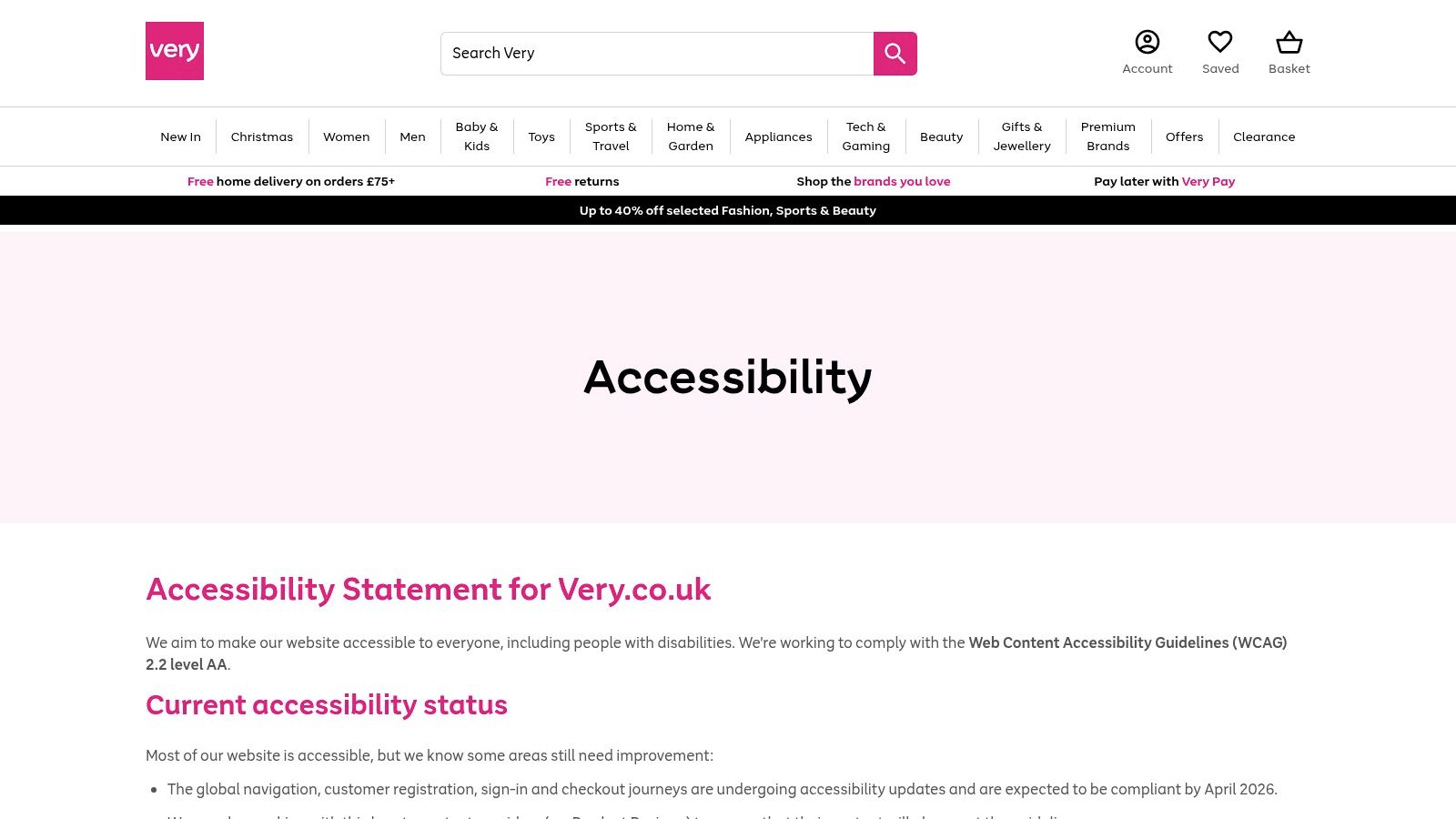
The Very accessibility statement is worth inspecting as a communication example: look for the target standard, testing methods, known barriers and the journeys affected. Those details are more useful to a merchant team than an unsupported promise of universal accessibility.
Read remediation dates carefully. A scheduled update isn't evidence that the work shipped, passed retesting or remained functional after subsequent releases. Account creation, sign-in and checkout deserve fresh verification rather than assumptions based on a published timetable.
Replicable pattern for recoverable errors
A useful field error identifies the problem and stays associated with its input. An illustrative implementation is <label for="email">Email address</label><input id="email" name="email" type="email" aria-invalid="true" aria-describedby="email-error"><p id="email-error">Enter an email address in the correct format.</p>.
Only apply the invalid state when validation has identified an error. When the customer corrects it, update the state and message consistently.
Run this test: Submit an account or checkout form with missing information. Check whether the customer can discover the errors, reach the affected fields and correct them without losing valid entries.
- Strength to borrow: Specific disclosure gives developers a practical starting point for reproducing problems.
- Limitation to recognise: A statement describes the organisation's position. It doesn't demonstrate that your own form, app or checkout extension behaves correctly.
Check error styling as well as wording. Grumspot's colour contrast accessibility guide can support a review of error text, field borders and sale messaging.
Don't let red borders carry the entire explanation. A customer should understand what went wrong from the text and programme structure, even when the visual styling is unavailable.
4. ASOS
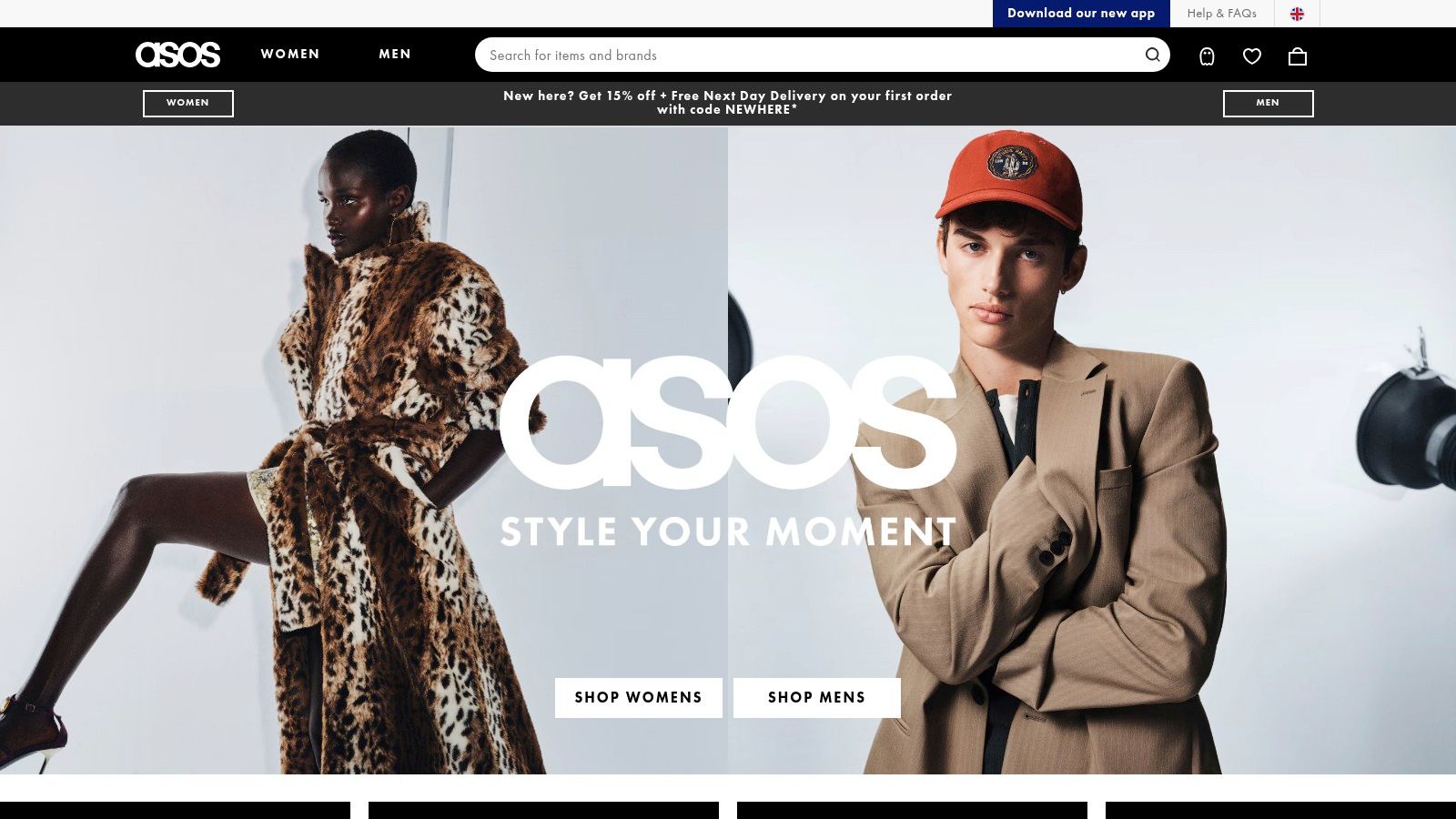
For fashion merchants, ASOS is a useful place to investigate the relationship between product discovery and continuing accessibility work. Don't limit the review to imagery and typography. Inspect how customers encounter size choices, stock information, account services and external integrations.
The operational lesson is to ask what evidence sits behind a published commitment. Audit activity, usability testing, staff preparation and supplier review are useful areas to investigate, but none independently proves that a particular purchase journey works.
Procurement rule: Ask an app supplier to demonstrate your customer task with assistive technology, not just send an accessibility policy.
Replicable pattern for dynamic announcements
A product page can change without loading a new document. When a customer changes a size or adds an item, decide what information needs announcing and when.
An illustrative starting point is <p id="basket-status" role="status"></p>. Your cart handler can update its text after a successful action, using a meaningful message such as “Selected item added to basket”.
Don't announce every interface update. Excessive messages can make the journey harder to follow, particularly when several apps react to the same action.
Run this test: Change a variant, add the product and open the basket using a keyboard and screen reader. Confirm that the customer hears the result without an unnecessary focus jump, then verify that they can inspect quantity, remove the item and continue shopping.
The strength of this example is its relevance to ongoing product operations. The limitation is evidential: a stated testing programme isn't a page-by-page result.
For a Shopify release, make the app owner responsible for demonstrating the integration in context. A subscription selector that works alone may still conflict with the product form or basket drawer.
5. Morrisons
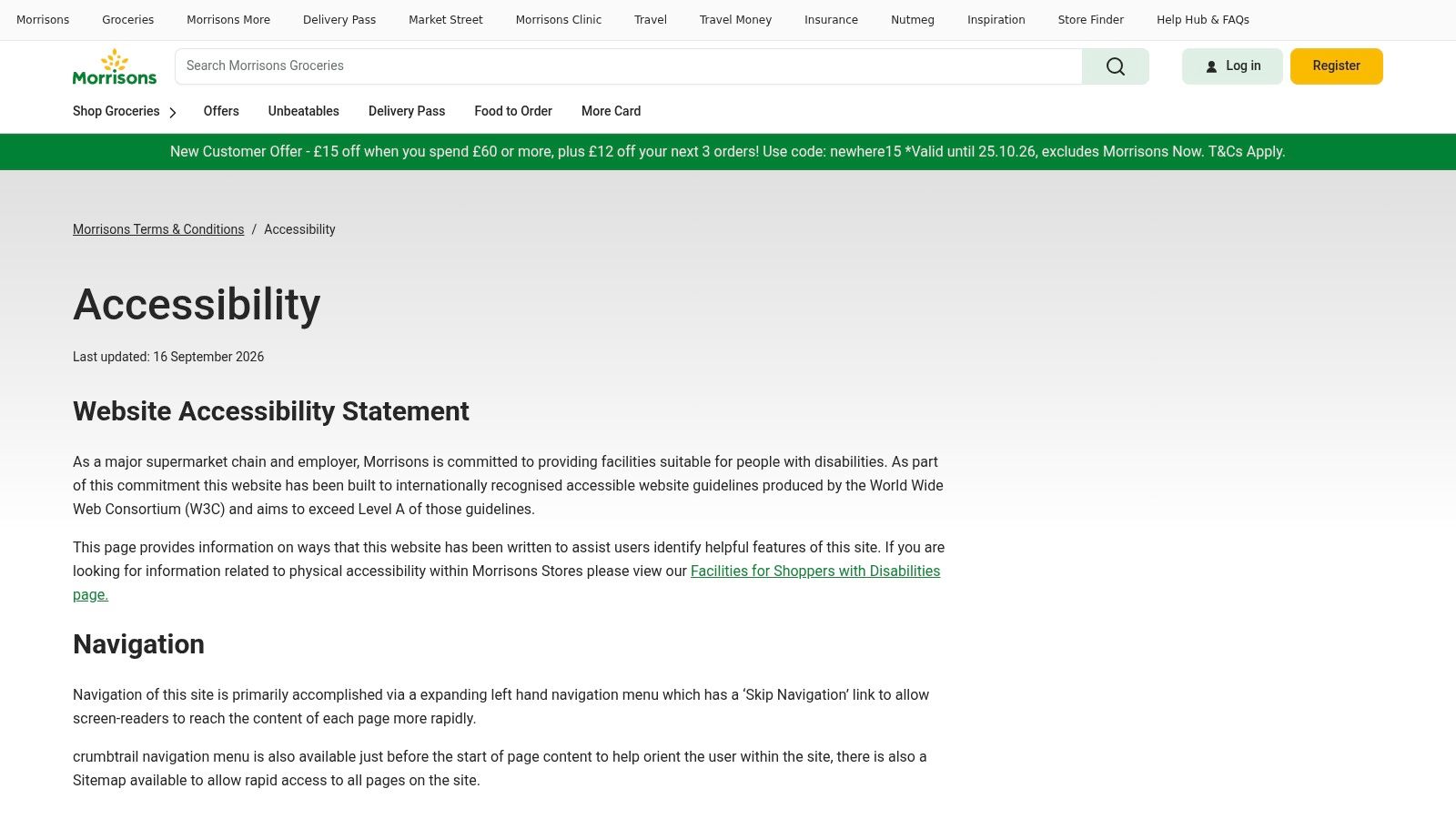
A skip link is less visually impressive than a redesigned navigation menu, but it's a better starting point when customers must repeatedly pass a substantial header. Use the Morrisons accessibility page as a reference for inspecting navigation disclosures and the limitations an organisation chooses to communicate.
Keep standards language precise. An aspiration to exceed a baseline isn't interchangeable with verified conformance to a different level, and a warning about document or scripting limitations deserves a practical test.
Replicable pattern for bypassing navigation
A simple starting point is <a href="#main-content">Skip to main content</a> paired with <main id="main-content" tabindex="-1">…</main>. If the link is visually hidden initially, reveal it when it receives keyboard focus.
Its destination matters. On a product page, skipping the header should put the customer near the product content, not leave them inside another long promotional block.
- What works: A direct route past repeated navigation can be useful across product, collection and information templates.
- What doesn't: A link that changes the URL but leaves keyboard users working through the same header controls hasn't delivered the intended experience.
Run this test: Reload the page and press Tab. Activate the skip link, then continue through the page and confirm that focus proceeds from the intended destination.
Repeat on delivery, returns and customer-service pages. If important information is offered as a PDF, test that document separately and consider whether an HTML equivalent would make the task easier.
The trade-off is maintenance rather than visual design. A shared skip-link component is straightforward to reuse, but template changes can move or duplicate its destination. Include it in regression checks instead of treating the initial implementation as permanent proof.
6. GOV.UK
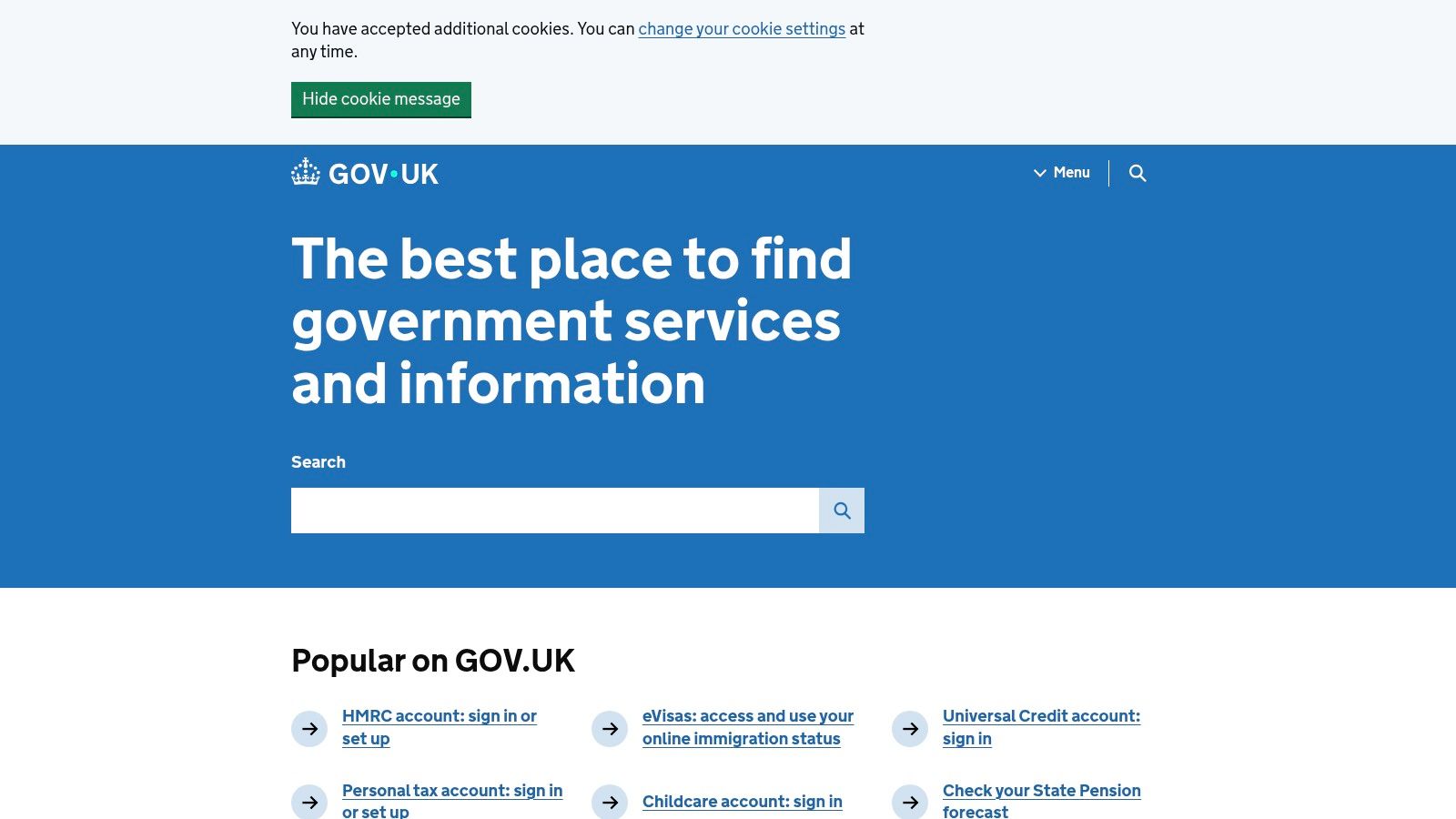
GOV.UK provides a stronger engineering lesson than a visual style to imitate. Its team manually audited more than 60 representative pages against WCAG 2.1 AA, then addressed recurring problems in shared components, as described in its account of making GOV.UK more accessible.
That approach matters for Shopify development. Correcting a shared form control or template can improve every instance that uses it, while isolated page patches leave other instances untouched. The same account also identifies content problems, including duplicate page titles, so component work doesn't remove the need for editorial review.
Replicable pattern for error summaries
Use a summary that explains the next action and links to the affected control. An illustrative fragment is <section aria-labelledby="error-heading" tabindex="-1"><h2 id="error-heading">Check your details</h2><a href="#postcode">Enter your postcode</a></section>.
After a failed submission, deliberately manage focus to the summary when appropriate. Keep field-level explanations as well, and don't replace the customer's valid entries.
Run this test: Trigger errors in a delivery-address form. Confirm that the summary is discoverable, its links reach the correct fields and the customer can recover without restarting.
Fix shared components centrally, then verify representative templates. Repeating the same patch across individual pages creates more places for the implementation to drift.
The advantage is repeatability: teams can apply consistent labels, headings and error behaviour across a storefront. The trade-off is contextual adaptation.
A public-service form doesn't have the same interaction demands as a bundle builder, cart drawer or accelerated payment flow. Borrow GOV.UK's clarity and component discipline, then test the ecommerce behaviour you've added.
7. Scope for Business
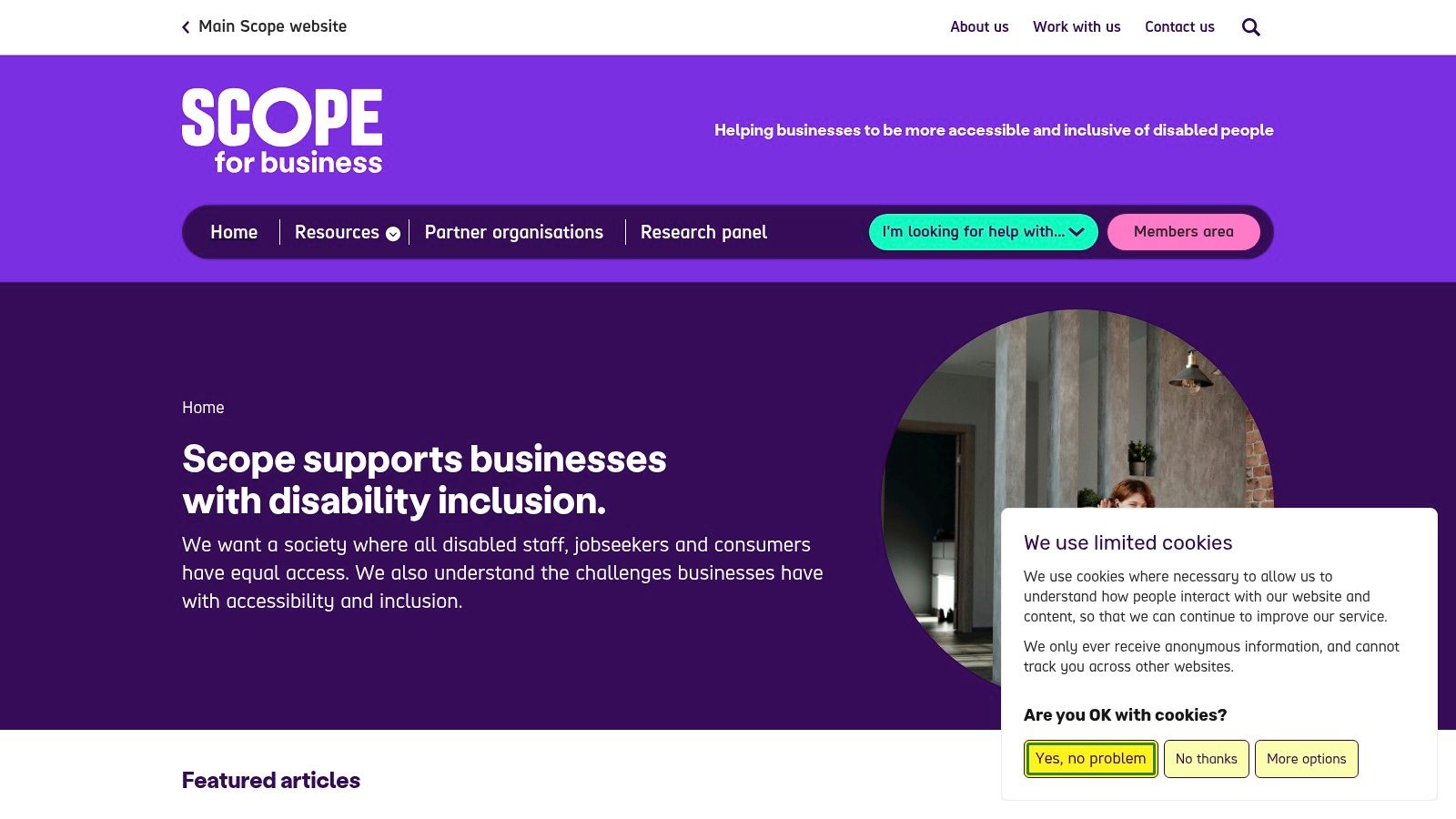
An accessibility feedback route is part of the service, not footer decoration. The Scope for Business website is a useful reference for examining how an organisation communicates ambition, remaining work and ways to report a problem.
Distinguish a target from a result. A high conformance ambition doesn't cancel an outstanding contrast issue, and a recurring testing commitment still needs evidence of what was tested and what changed.
Replicable pattern for actionable feedback
Offer a clearly named route, such as <a href="/pages/accessibility-help">Report an accessibility problem</a>. The destination should let customers describe the affected page and task without requiring an account.
Don't make customers diagnose the technical defect. Ask what they were trying to do, what happened and how they'd like you to respond; make browser and assistive-technology details optional rather than a barrier to submitting the report.
- Useful operational pattern: Connect each report to an owner, a reproducible issue and a remediation decision.
- Important limitation: An information website doesn't demonstrate whether a product configurator, subscription flow or checkout is accessible.
Run this test: Attempt to report a problem using only the keyboard, then repeat with a screen reader. Check the form's labels, validation, confirmation and alternative contact route.
For merchants, the next step is linking feedback to release management. Grumspot's Shopify accessibility audit guide provides a relevant starting point for organising storefront checks.
Publish a dated testing schedule, but don't imply that testing makes every journey barrier-free. Keep known issues understandable and update their status after retesting. The practical value is accountability: customers can request help, and the team can show what it did with the report.
How each accessibility example states its standard, evidence and standout pattern
| Item | Stated standard | Evidence type | Standout pattern | Best for |
|---|---|---|---|---|
| RNIB | WCAG 2.1 AA claim, reported in an agency case study | Agency project case study, not an independent audit | High-contrast mode, keyboard and screen-reader considerations, VAT exemption, and checkout donations | Accessibility-focused ecommerce and specialist purchasing flows |
| John Lewis | No specific standard stated | 2025 third-party comparative report | Assessment highlights listing, product detail, and checkout journeys | Benchmarking accessibility across a large retail catalogue |
| Very | WCAG 2.2 AA target | Accessibility statement describing manual and automated testing | Discloses known issues across navigation, accounts, and checkout | Communicating ongoing work and testing key customer journeys |
| ASOS | WCAG 2.2 AA target | Accessibility statement covering audits, usability testing, and operations | Includes staff training and third-party service considerations | Fashion retail teams embedding accessibility in product and supplier processes |
| Morrisons | Aim to exceed WCAG Level A; not a WCAG AA claim | Accessibility page with navigation details and disclosed limitations | Skip link, breadcrumbs, sitemap, and notes on JavaScript and PDF issues | Practical navigation patterns and communicating known limitations |
| GOV.UK | Partially compliant; known problems are listed | Official accessibility statement and public Design System | Plain language, consistent patterns, and documented support for assistive technologies | Clear content and reusable service patterns that can be adapted for ecommerce |
| Scope for Business | WCAG 2.2 AAA goal | Accessibility statement describing recurring tests and remaining work | Six-monthly testing, disclosed contrast issue, and feedback route | Recurring accessibility checks and transparent issue reporting |
Turning Seven Examples Into a Storefront Accessibility Checklist
The strongest website accessibility examples give your team something reproducible. A statement supplies a claim; a component supplies an implementation idea; a completed customer task supplies practical evidence. Keep those categories separate when reviewing your own Shopify Plus storefront.
The commercial relevance isn't hypothetical. UK parliamentary evidence reported that 72% of disabled internet users with access needs had abandoned an online purchase because of accessibility barriers, drawing on historical research, as recorded in its digital exclusion evidence. That doesn't predict your store's abandonment rate, but it supports treating purchase barriers as a product concern.
Make the audit repeatable
Build your review around customer tasks rather than a collection of attractive screenshots:
- Purchase and account journeys: Test discovery, variant selection, basket updates, sign-in, address entry and payment recovery with keyboards and screen readers. Preserve valid information when an error occurs.
- Visual states: Check ordinary prices, sale prices, unavailable options, focus indicators and error messages. Include drawers, overlays and app-generated content.
- Feedback and scheduling: Publish a usable reporting route and a dated testing schedule. Assign responsibility for responding, fixing and retesting.
- Third-party integrations: Review subscription tools, reviews, bundles, consent interfaces and payment-related extensions before launch. Test them inside the actual theme.
- Release evidence: Record the template, task, environment, observed failure and acceptance criteria. Re-run affected journeys after theme changes and merchandising updates.
Automated scans can support detection, but don't ask them to prove successful shopping. Pair them with manual interaction checks and research involving disabled customers, particularly where a technically operable flow remains confusing.
For acceptance criteria, compare WCAG checklist resources for developers, then translate the relevant requirements into tasks your team can demonstrate. “The customer can correct a delivery error without losing their basket” is a more useful release discussion than “the accessibility ticket is complete”.
Grumspot's design, technical and UX audits can help merchants apply this process to their own Shopify Plus storefront. Prioritise shared components and blocked journeys, document the remaining work, and require evidence of successful retesting before closing an issue.
Grumspot offers Shopify Plus design and development alongside design, technical and UX audit support. Visit Grumspot to discuss reviewing your product, basket and checkout journeys, then turning accessibility findings into a prioritised implementation and retesting plan.
Let's build something together
If you like what you saw, let's jump on a quick call and discuss your project

Related posts
Check out some similar posts.
- shopify accessibility audit
Learn how to conduct a Shopify accessibility audit. Our guide covers WCAG compliance, legal risks, a...
Read more